
menu
Reconnect?
For many food and beverage distributors, manual order entry feels like a normal part of the week.
An email arrives with a spreadsheet. A retailer calls in a reorder. A sales rep sends a photo of handwritten notes. A producer updates a PDF catalog. Someone then copies the information into an ERP, inventory system, invoicing tool, or warehouse worksheet.
The work gets done: but not always cleanly, quickly, or only once.
For a distributor with a manageable order volume, four hours of manual order entry per week is a realistic example. For a larger operation: or one working with many suppliers, sales reps, warehouses, and delivery routes: the number may be much higher. The exact figure depends on your business.
The important question is not whether your team spends precisely four hours entering orders.
It is: how much does disconnected order processing really cost once you include the errors, delays, follow-up, and lost momentum that come after it?
Imagine a distributor handling craft beverages, specialty sauces, refrigerated products, and local food brands.
On Monday morning, the order desk reviews emails from retailers. Some contain a clean purchase order. Others include a PDF, an attachment, or a list typed directly into the message.
On Tuesday, a broker sends new orders from several stores. The products use different names than the ones in the distributor’s internal catalog. One case format is unclear. A delivery note is buried at the bottom of the email.
By Wednesday, a sales rep calls about a customer who needs an urgent replenishment. The order is added manually, but the warehouse has already prepared its pick list.
By Thursday, someone compares inventory in a spreadsheet with stock recorded in another system. A few items do not match. The team checks whether the difference comes from a recent sale, a return, a transfer, or an order that has not yet been entered.
By Friday, accounting is following up on an invoice that does not match the customer’s purchase order.
None of these tasks is unusual. Together, they create an administrative loop:
That is the weekly drain.

The visible cost of manual entry is the time spent typing. The less visible cost is everything that happens when information is copied incorrectly, entered late, or stored in separate places.
The same transaction may be entered into a sales inbox, spreadsheet, ERP, warehouse system, invoicing platform, and accounting software.
Every additional handoff increases the chance of inconsistency. It also means your team is spending time maintaining records instead of serving customers, selling new products, or improving operations.
Manual entry makes it easier to miss:
A small mistake on a sauce order may result in a corrected invoice. A mistake on a refrigerated delivery may mean a missed delivery window, a return, or product waste.
If an order sits in an inbox for several hours: or an entire day: your inventory is not telling the whole story.
A sales rep may promise stock that has already been allocated. A retailer may see a product as available when it is not. A warehouse may pick from an outdated list. A distributor managing multiple locations may transfer inventory unnecessarily because the real stock position is unclear.
When order details are retyped, the invoice may no longer match the original request.
The discrepancy could involve quantity, pack size, tax treatment, a promotion, a delivery charge, or a customer-specific agreement. The result is often the same: accounting investigates, customer service responds, and payment takes longer.
Every unclear order creates another conversation.
“Did you receive this?”
“Which format did you mean?”
“Was that six cases or six units?”
“Why does the invoice not match the order?”
These questions are part of the hidden cost of manual order entry. They consume time on both sides and make the buying experience feel less reliable.
An order that is entered late can be picked late, delivered late, invoiced late, or disputed later.
That slows down the path from order to delivery to payment. The impact may not appear as a dramatic loss on a report, but it affects working capital and makes cash-flow planning more difficult.
Manual entry becomes especially difficult when several groups are involved in the same transaction:
A producer may maintain the product catalog. A broker may take the order. A distributor may consolidate products from several brands. A warehouse may fulfill it from one location. A driver may deliver it along a route that includes other customers. Accounting may invoice through a separate system.
When those participants are disconnected, each one maintains a partial version of the truth.
That is when a simple order for beverages and specialty foods becomes a chain of emails, spreadsheets, calls, corrections, and status checks.
A late or incorrect order does not stay in the order-entry department.
It can affect:
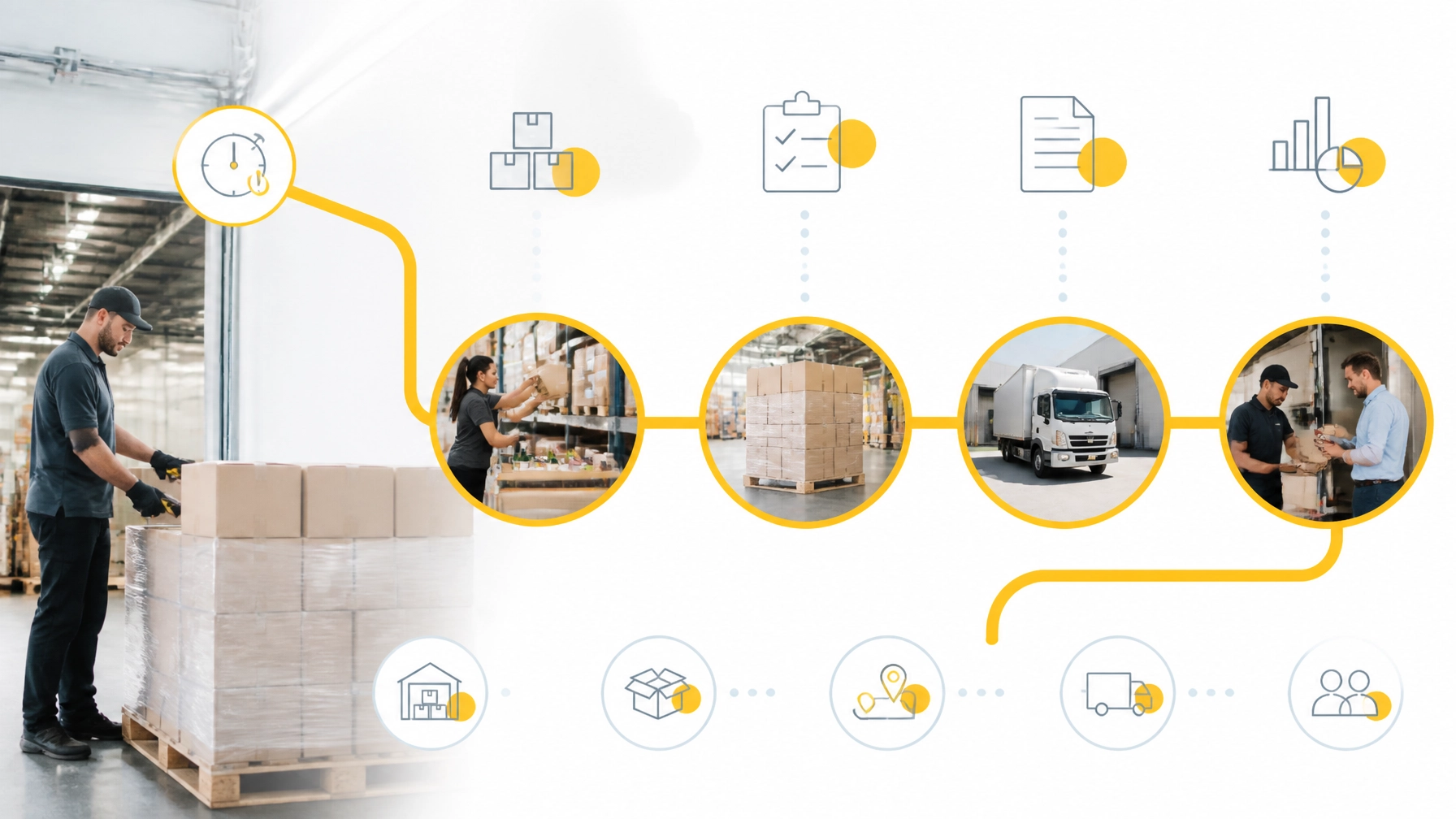
This is why automation is not only about saving keystrokes. It is about preventing one late data point from creating work across the entire operation.
You do not need an industry-wide benchmark to understand your own cost. Start with your numbers.
For two or four weeks, record how much time your team spends on:
Include time from sales, customer service, warehouse administration, logistics, and accounting.
Use the full hourly cost of the people involved: not only their base wage. Include benefits, payroll costs, management overhead, and other employment costs.
Manual entry labour cost = hours spent × loaded hourly cost
This gives you the direct cost of the process.
Track the time required to fix:
Ask:
You may not be able to assign a perfect value to every consequence. A reasonable estimate is still more useful than ignoring the cost entirely.
Create one reliable source for product names, formats, pack sizes, availability, customer pricing, and supplier information.
A centralized catalog makes it easier for retailers, sales reps, brokers, and internal teams to work from the same product data.
Move customers and sales teams toward digital order forms, B2B storefronts, EDI, or marketplace ordering.
Structured orders reduce interpretation. The system receives the product, quantity, and customer information in a format that can move directly into the next step.
With multi-warehouse inventory management, your team can see what is available, where it is located, and how orders affect stock.
Real-time updates are especially important when products move between warehouses, distributors, retailers, and delivery routes.
A digital order should help create the next operational action.
That means generating accurate pick lists, grouping orders appropriately, and supporting route planning for distributors. When delivery planning is connected to orders and inventory, your team spends less time rebuilding information manually.
Your sales and operations systems should communicate with your accounting tools, helping reduce re-entry between order management, invoicing, and accounting.
PivoHub is a connected B2B sales operating system for producers, distributors, brokers, sales reps, and retailers.
Instead of treating each participant as a separate workflow, PivoHub helps connect the commercial network around the transaction.
With PivoHub, you can:
The principle is simple: enter the transaction once, then let the relevant participants work from the same information.
A retailer places an order. The producer or distributor receives it. Inventory updates. The warehouse sees what to pick. The delivery team can plan around it. Accounting has the information needed for invoicing. No one has to rebuild the same order from scratch in every system.

Manual order entry may look inexpensive when it is spread across several employees and departments. But the real cost appears in the repetition, the corrections, the delayed updates, and the customer conversations that follow.
Your business does not need to eliminate every human interaction. It needs to eliminate unnecessary re-entry so your people can focus on relationships, service, sales, and decisions.
If you want to reduce the weekly drain, start by measuring it. Count the hours, corrections, credits, missed opportunities, and delayed invoices.
Then look for a system that can unify, automate, simplify, and connect the work around every order.
Explore PivoHub’s solutions for sellers and distributors or book a demo to see how a connected B2B sales platform can support your operation.


